Notes are just files
Every note in Pip is a plain Markdown file in a folder called Pip Notes. What Pip writes there, what it never writes, and why tasks live somewhere else.
When you first open Pip, it asks one practical question: where should it keep your notes? You pick Documents, or a folder that already syncs, like iCloud Drive, OneDrive or Dropbox, and Pip makes a folder there called Pip Notes.
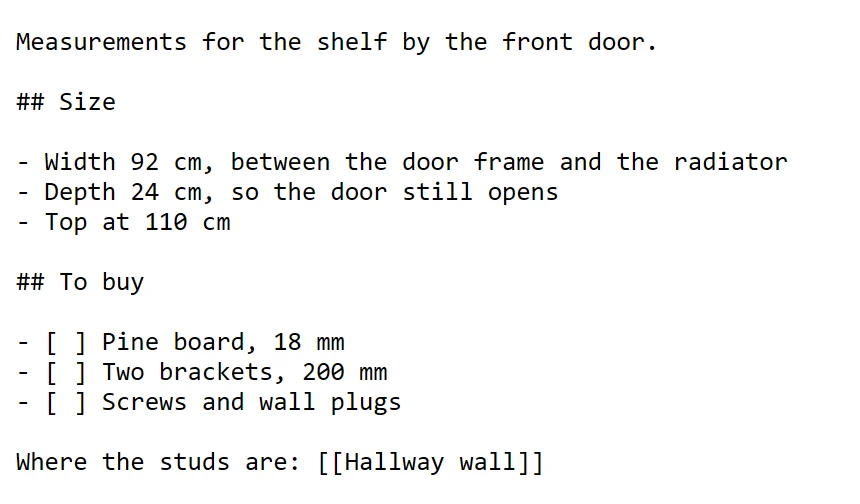
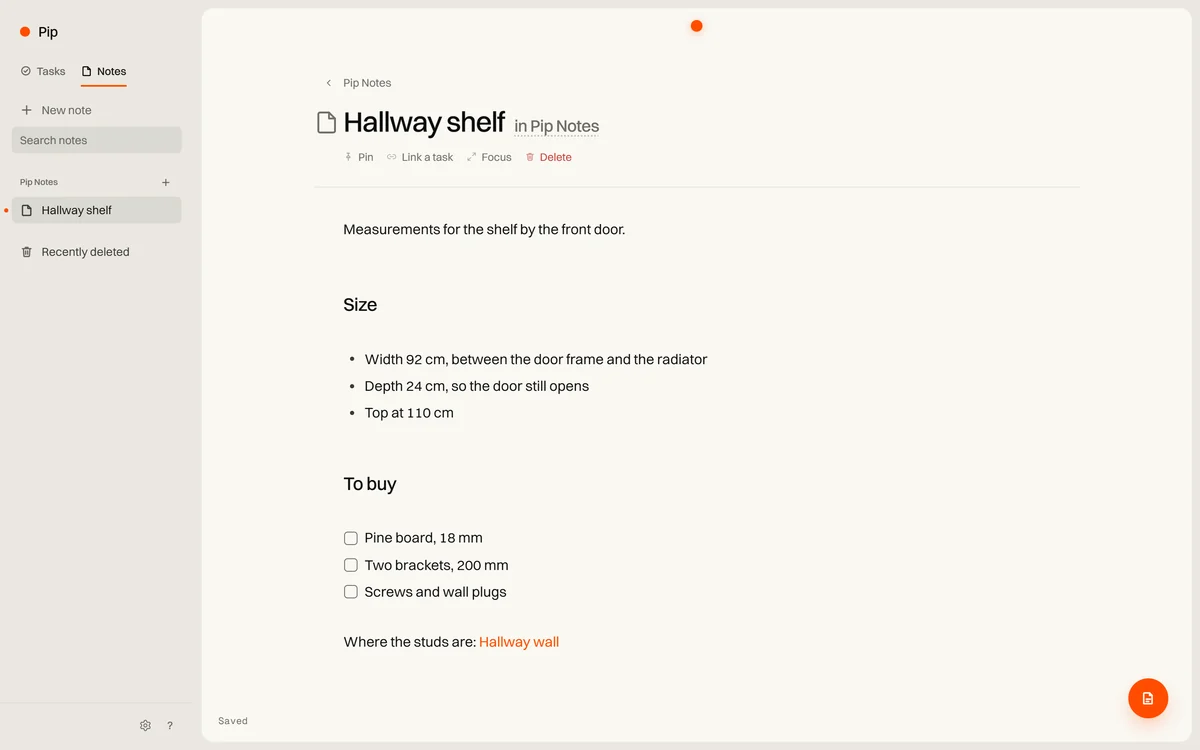
Every note you write is a file in that folder. A note called “Hallway shelf” is Hallway shelf.md, and folders in Pip are folders on disk.
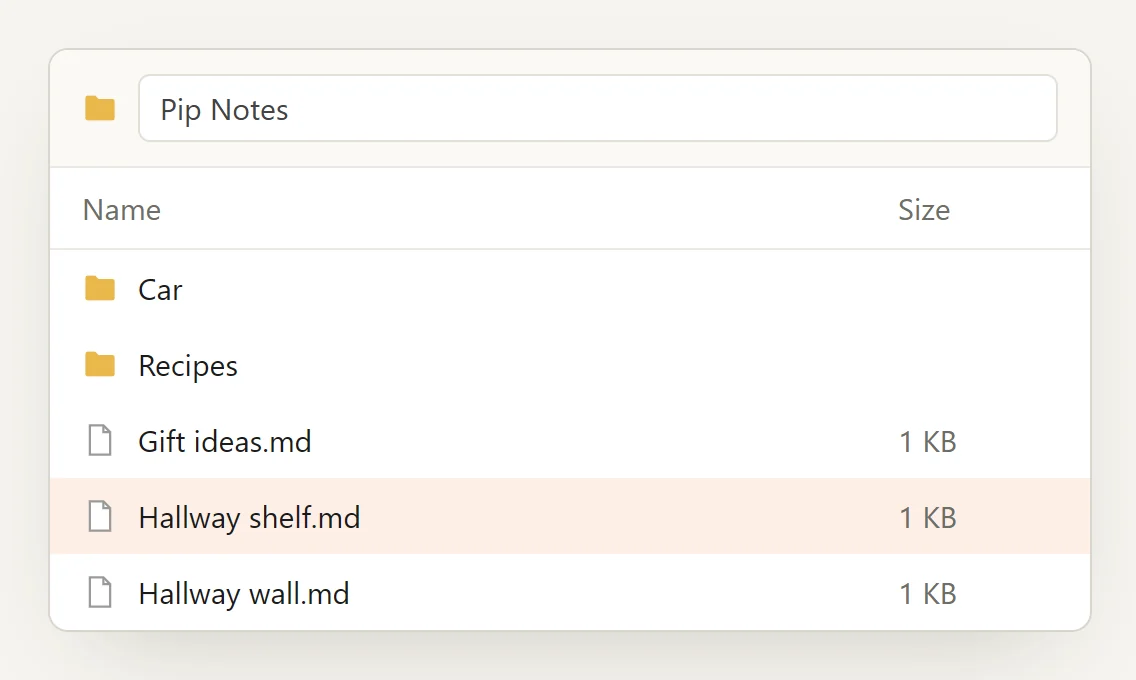
What Pip writes
Pip changes only what you ask it to change: the note you’re editing, and the notes and folders you create, rename, move or delete. A save writes a new copy beside the note and swaps it in, so a crash halfway through never leaves half a note. Line endings stay the way the file had them. A deleted note goes to Pip’s own trash first, so it can come back.
Pip never writes ids, settings or hidden files into the folder. Search needs an index, and that index lives with Pip’s own data, outside the folder. If it’s lost, Pip rebuilds it from the files.
Notes follow the habits most Markdown editors already share: YAML front matter at the top if you want it, and links between notes written in [[double brackets]]. A checklist in a note is just text to Pip, which means it stays text everywhere else too.
Why tasks aren’t files
The first version of Pip kept tasks in Markdown files as well. It worked until a task had to repeat every other Tuesday, remember that you dragged it to the top, or move to tomorrow when you said so. A file that Pip keeps rewriting for reasons like that stops being yours to edit.
So tasks live in Pip’s own small database on your computer, and notes stay files. The two still meet: a project or a task can link to a note, and a note shows the tasks that are about it.
If you stop using Pip
Your notes stay where they are. There’s nothing to export, because they were never anywhere else. The folder keeps working in whatever editor you open it with next.
Notes sync with Pro is planned, so the same notes reach your phone. When it comes, Pip will also write the notes that arrive from your other devices, and a conflict copy beside a note if two devices changed the same lines. The sync bookkeeping stays out of the folder, like everything else.